

by
HUNTER LITTON
As working from home and hybrid schedules become more common, many people are discovering an unexpected downside: higher energy bills. However, working from home does not have to mean higher energy costs. With a few strategic adjustments, homeowners can create a comfortable and productive workspace while keeping energy usage—and monthly bills—under control.
Choose an Energy-Efficient Workspace
One of the biggest advantages of working from home is the ability to choose where work takes place. Setting up a workspace near a window provides natural lighting and, during cooler months, natural warmth. This reduces the need for artificial lighting and extra heating, helping lower energy consumption.
If natural light isn’t available, consider using energy-efficient LED lighting. LEDs use up to 75 percent less electricity than traditional incandescent bulbs and last significantly longer, making them a cost-effective alternative.
 Targeted Heating and Cooling
Heating and air conditioning account for nearly 60 percent of the average monthly energy bill. Instead of heating or cooling the entire home during the workday, focus on keeping only designated workspaces comfortable.
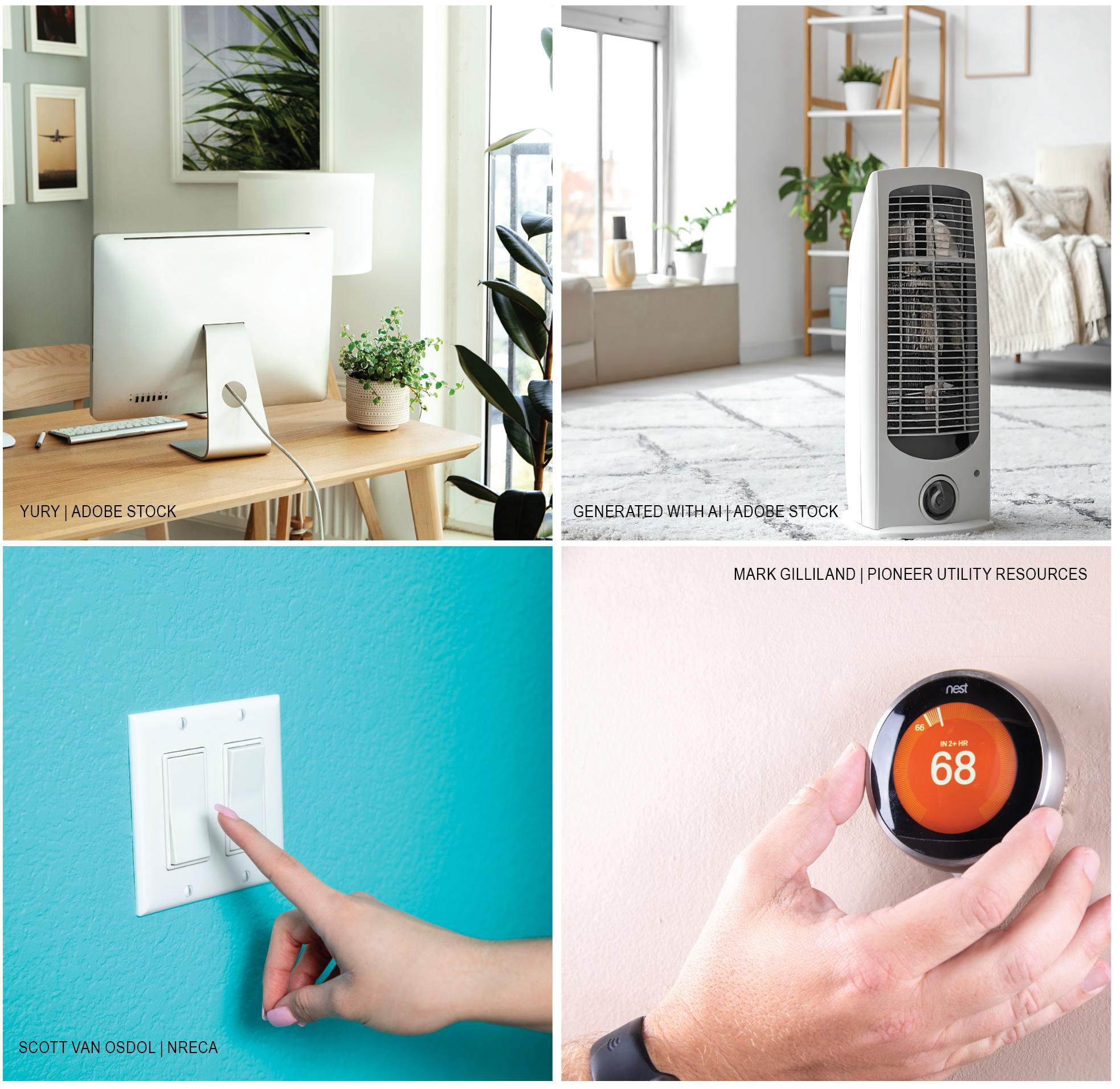
Using a small space heater, rather than running a whole-home HVAC system, can also reduce energy usage. However, it’s important to use space heaters sparingly as overuse can actually increase energy consumption. Wearing layers or using a blanket also helps maintain comfort while placing less demand on heating systems.
In warmer months, keeping doors closed helps contain temperatures, while using fans to circulate air can make the space feel cooler without overworking the air conditioner.
For a more permanent solution, homeowners may consider installing a mini-split system. Although more expensive upfront, a mini-split allows precise temperature control in a single room, providing comfort without the energy cost of conditioning the entire home.
Use Energy-Efficient Equipment and Settings
Many devices continue to draw power even when turned off—known as standby or “phantom” loads. Chargers, speakers and older electronics are common culprits.
Simple habits such as unplugging chargers, fully powering down unused devices and turning off lights when leaving a room can lead to noticeable savings.
When possible, choose energy-efficient devices. Laptops generally use far less electricity than desktop computers. Adjusting screen brightness to 50–70 percent and enabling sleep or low-power modes during inactivity can also add up to meaningful energy savings.
Smart Heating and Cooling Solutions
Smart thermostats allow homeowners to program temperatures based on daily schedules. When working from home, gradual temperature adjustments—rather than large swings—help heat pumps operate more efficiently and prevent auxiliary or emergency heat from activating.
For members considering a smart Wi-Fi thermostat, United offers a rebate program. After purchasing and installing the thermostat, members can submit the rebate application and required documents to one of United’s offices for processing.
Additionally, sealing the workspace can improve efficiency. Insulated curtains, weatherstripping and draft blockers help prevent hot or cold air from entering the room, reducing the strain on the HVAC system.
Manage Energy Use Throughout the Workday
Taking regular breaks during the workday benefits both productivity and energy conservation. Stepping away for lunch or short walks allows the mind to reset while giving electronics a chance to rest.
From an energy standpoint, placing computers in sleep mode or turning off non-essential devices—such as monitors, lights and chargers—during breaks reduces standby loads and lowers overall energy consumption. When practiced consistently, these habits contribute to long-term savings and a more sustainable home office.
Choosing to Save
By making intentional choices and adopting energy-conscious habits, working from home does not have to result in higher power bills. Selecting a workspace with natural light, using targeted heating and cooling, choosing energy-efficient equipment, managing device usage and optimizing HVAC settings, all contribute to lower energy costs and a more comfortable work environment.
Read past issues